The battery is enough for a school day and entertainment afterward.
Up to 24 hours on MacBook Pro and up to 18 hours on MacBook Air. Leave your charger at home and enjoy smooth work all day long.
Tasks you can handle.
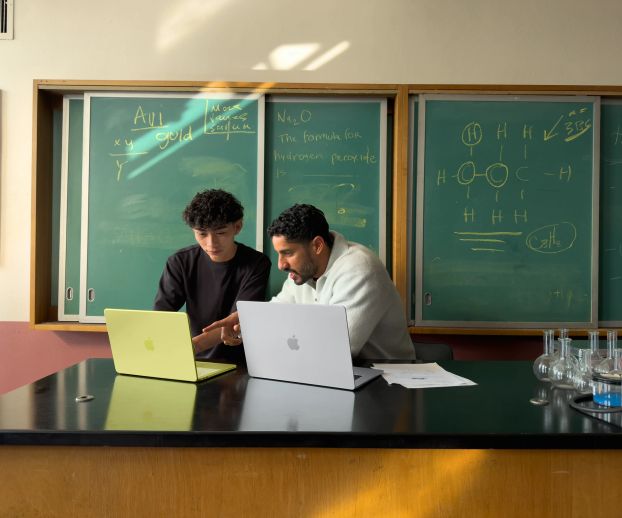
Choose a model for your educational projects - video editing, working with graphics, or creating a new application.
A whole world of applications.
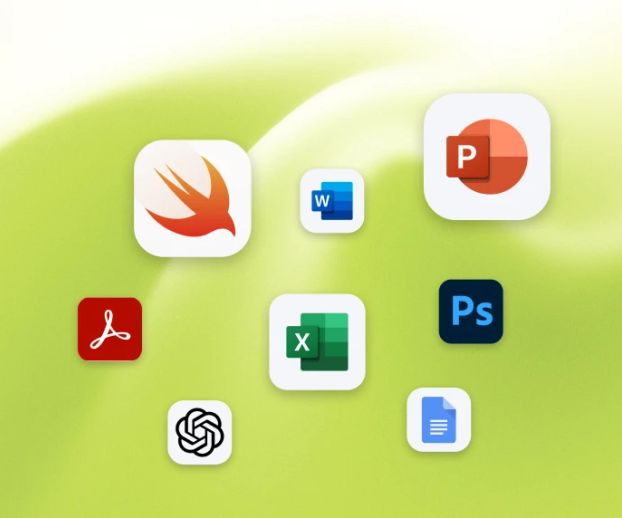
Read documents in Acrobat, make presentations in Keynote, design in InDesign, Photoshop, or create new applications using Xcode.
iPhone and Mac are one.
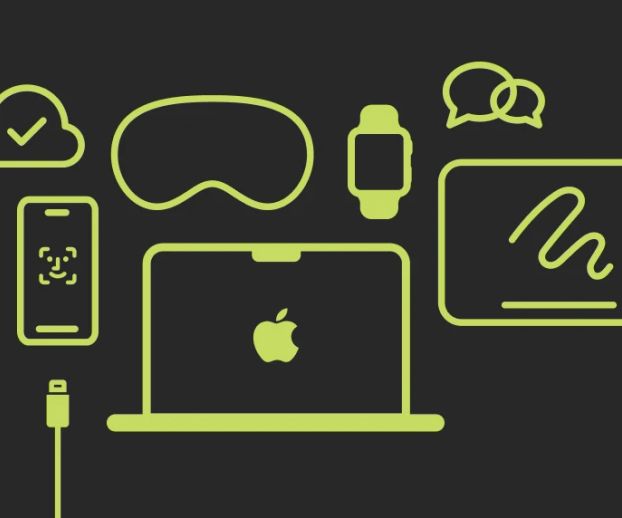
Use your iPhone on a Mac without taking it out of your pocket – with the iPhone Mirroring feature. This makes it more convenient to work in mobile applications.
Protection is already turned on.
With built-in protections, your data will be safe. With macOS, viruses aren't scary. And with the Touch ID button, you can unlock your Mac with your fingerprint.
Reliable throughout the entire journey – from school to university.
The Mac is designed for long-term use: its durable body and frequent software updates help it operate stably both during and after studies.
A complete set of accessories.
Add a charger, keyboard, mouse, monitor, or case to your study setup - choose accessories that enhance your Mac's capabilities.
An excellent companion for studying.
Launch familiar applications for work and study - from Google Workspace, Goodnotes, and Microsoft 365 to built-in Pages, Numbers, and Keynote.
Productivity
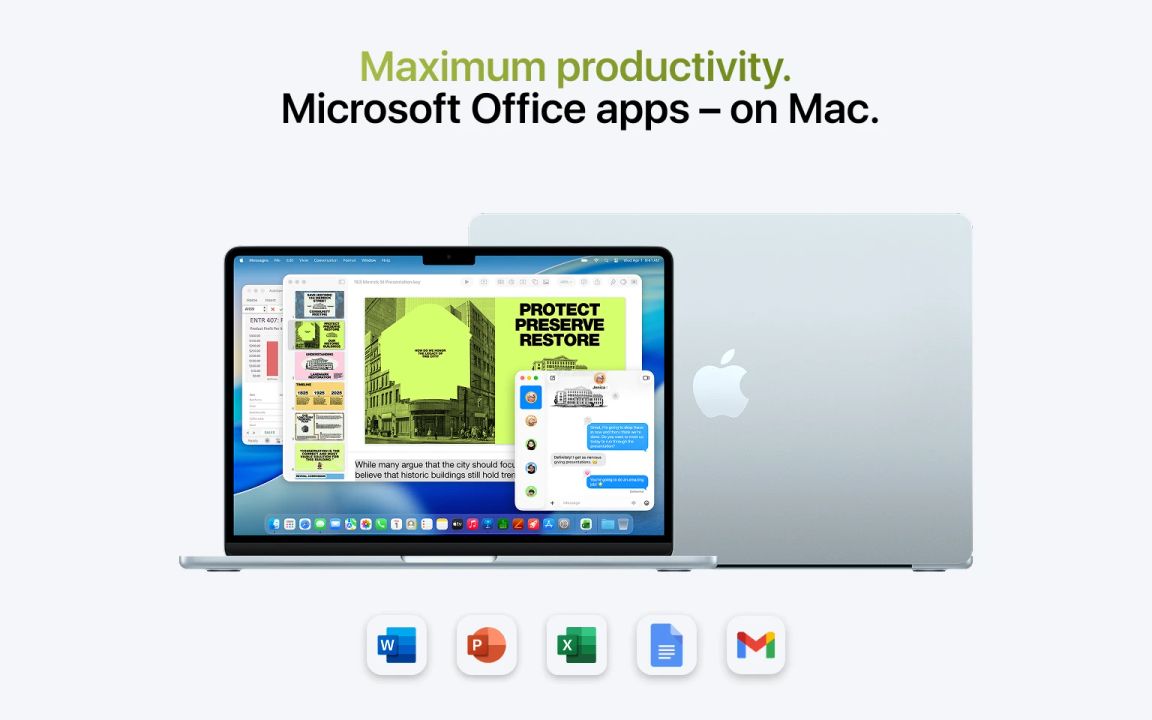
Mac has built-in tools for working with text, tables, and presentations. But you can also use others: Microsoft Word for writing texts, PowerPoint for creating presentations, and Excel for calculations using formulas.
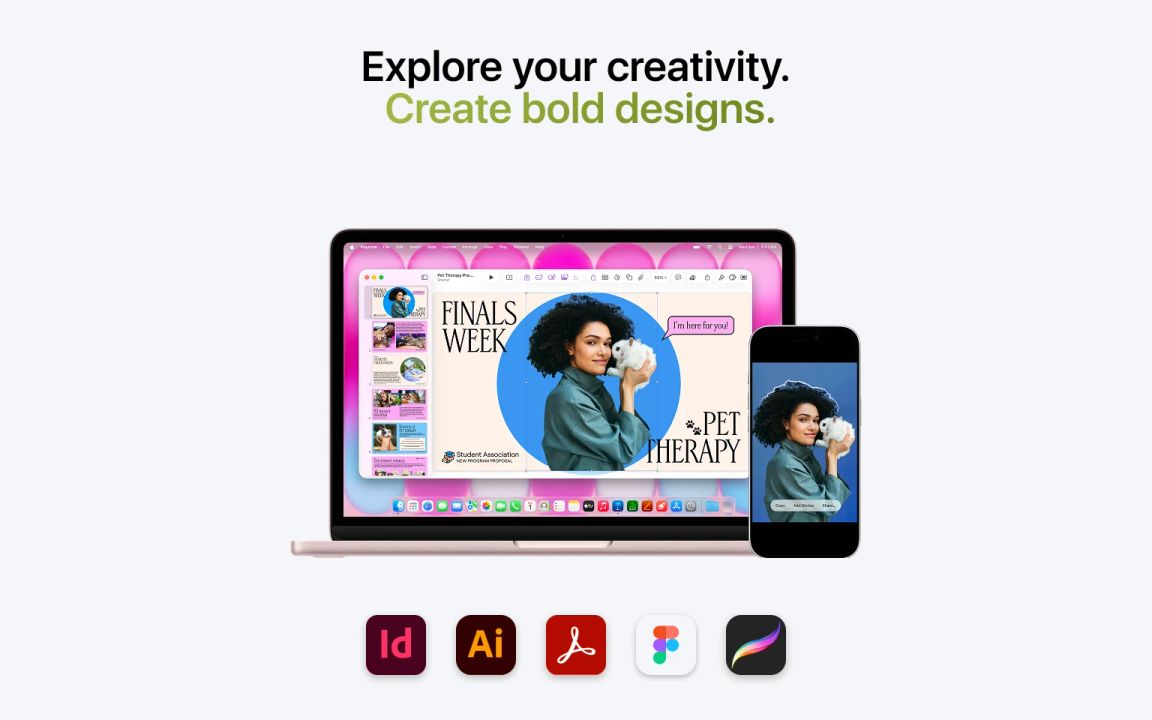
Install Adobe applications: Photoshop for photo retouching, Illustrator for creating vector graphics, and Acrobat for viewing educational PDF materials. Discover new ways to express your imagination!
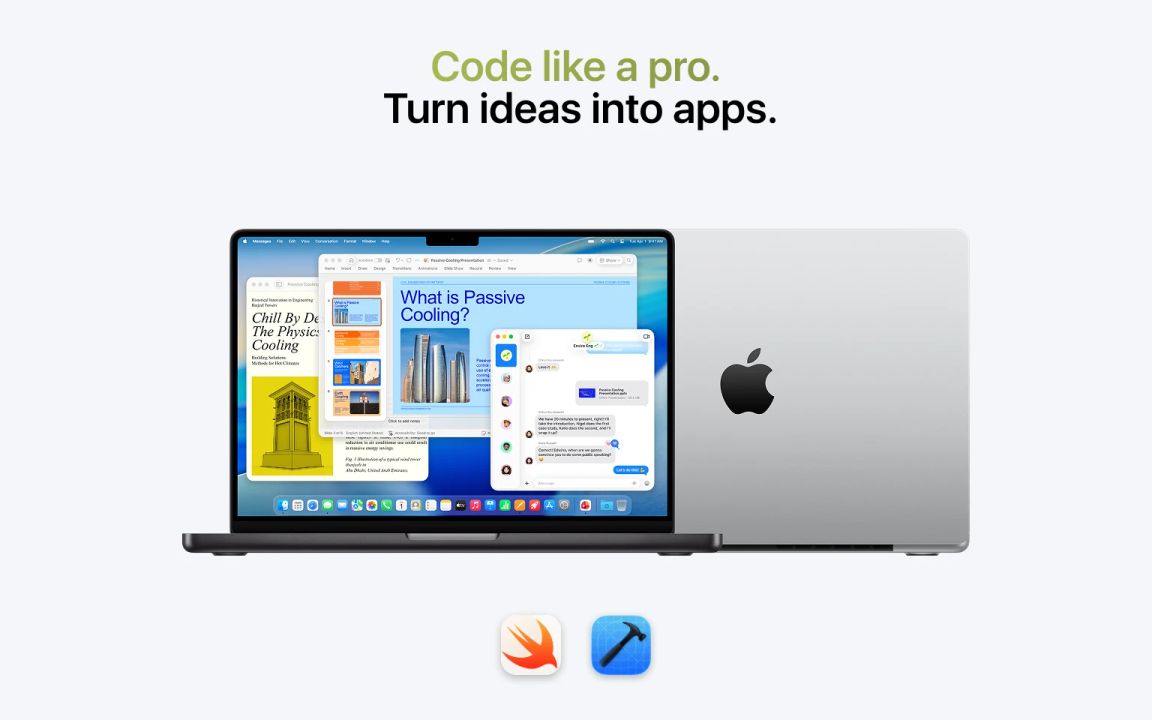
Start programming easily with Swift Playgrounds, an interactive app from Apple for beginners. And if you have experience or want to continue, go to Xcode. Amazing opportunities await you!
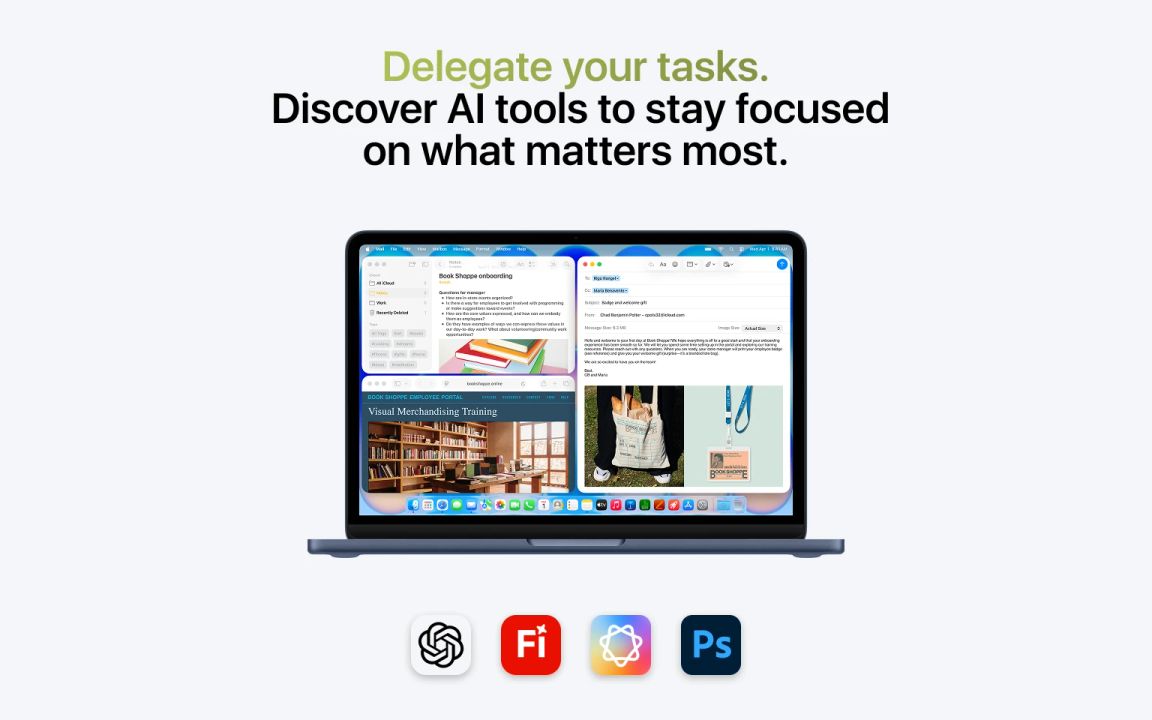
Proofread your texts with the built-in Apple Intelligence tools. Generate images using Adobe Photoshop Generative Fill, animate static images in Adobe Firefly.
Show me your student ID issued by the university of Uzbekistan.
Step 3.
Get the benefit.
Claim your Mac at an exclusive price and get gifts from iSpace.
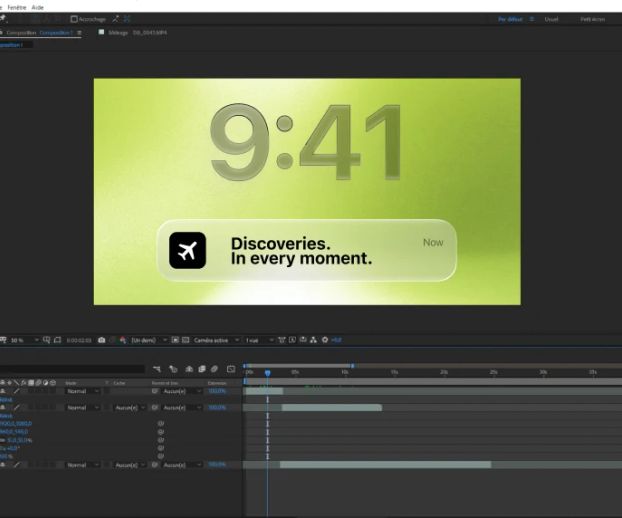
Discoveries. At every moment.
Ecosystem experts
iSpace consultants know everything about Apple technology—from hidden features to the subtle settings that unlock its full potential. We'll answer your questions and teach you how to use Apple's superpower in your creative and professional projects.
When choosing a device, we consider your goals, lifestyle, and expectations to offer a personalized solution. Exclusive service awaits you at every iSpace store.
Students of higher educational institutions in Uzbekistan upon presentation of a student ID card.
A special offer from iSpace applies to popular MacBook models of various configurations. You can find the exact list of models on ispace.uz or in our offline stores.
You or your child must be a student at any university in Uzbekistan. The form of study is full-time or part-time. To receive the discount, present your valid student card to the cashier at the store.
The student offer is valid when you place an online order with a store pickup option, as the cashier will need to scan your student ID. Therefore, you can choose a Mac model and place an order on the website, and complete the purchase at the physical store.
In iSpace, a favorable offer for students is available all year round. It is not limited to academic seasons or dates - you can benefit at any time if you comply with the program's terms.