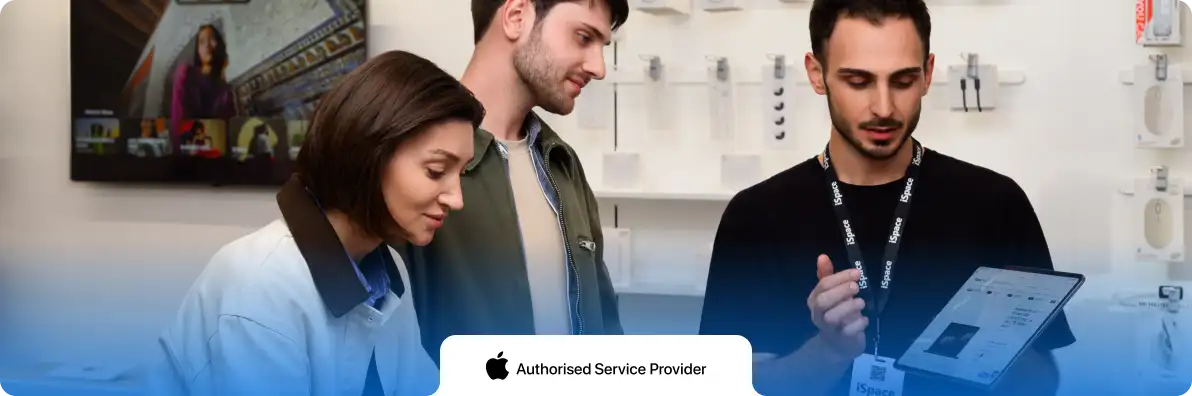
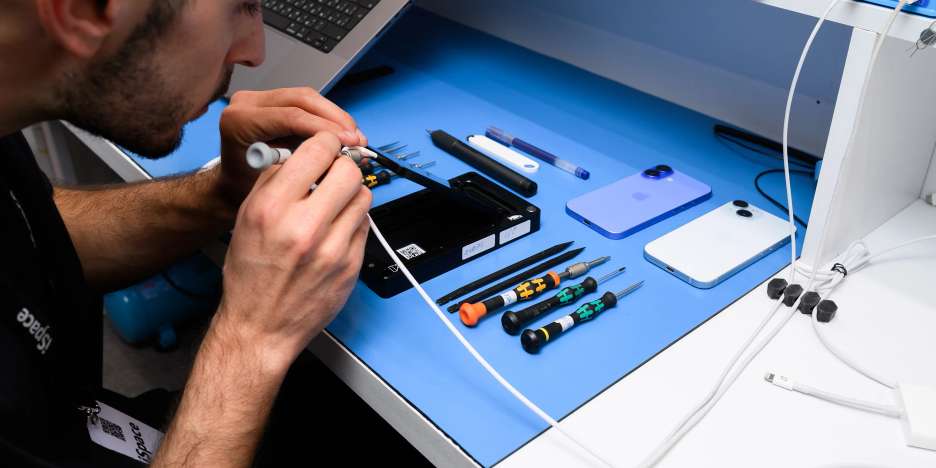
We take care of your device at every stage — from diagnostics to repair. We use original spare parts and professional tools, and provide a warranty on all work performed.
We perform diagnostics, clean external components without opening the device, and replace faulty parts. We transfer data from your old device to a new one, and update or reinstall iOS. Completion time depends on the type of service, device condition, and data volume.
Before repair, service center engineers perform diagnostics: they identify the cause of the issue, propose a solution, and immediately provide the cost and repair timeframe.
✔ Genuine spare parts. ✔ 90-day warranty on the replaced spare part. ✔ Price and timeline are confirmed before work begins. ✔ Clear diagnostics and repair process. ✔ You can ask a specialist any questions before your visit.
Contact us via messenger to receive a remote consultation. Follow our social media pages to stay updated on the latest offers from the Apple Authorized Service Center in Uzbekistan.
Still have questions? You will find the answers here.
СSpecial center employees do not have the right to access the lock—this is Apple's policy.
You should contact Apple support yourself:
1. Download the «Apple Support» application to another device 2. Changing the region 3. Go to Services > iCloud > Passwords and security > Security issues > Phone support 4. Enter a phone number and order a call
The support service operates on weekdays from 10:00 to 19:00.
You must contact Apple support yourself.
To do this, follow these steps:
1. Download the «Apple Support» app 2. Change the region in the app 3. Go to Services > iCloud > Passwords and security > Phone support 4. Order a call from Apple Support
Support is available on weekdays from 10:00 to 19:00.
The only solution in this case is to reinstall the operating system at an Apple Authorized Service Center, which will result in the complete loss of all data.
⚠️ Before the reinstallation, you must know the password for your Apple ID as the device owner. Without it, access to the device after reinstallation will be restricted.
• Standard diagnostics — 70,000 UZS, turnaround time: 1–2 days • Express diagnostics — 140,000 UZS, turnaround time: 1–2 hours
1. Turn off the device and do not use it under any circumstances. 2. Do not carry the device in your pocket — it is better to place it in a box and bag. 3. Contact the service center as soon as possible: this case requires urgent service.
The delivery time for spare parts depends on their availability from the manufacturer. On average, the waiting time is up to 30 days for all Apple device models.
All parts are supplied directly through Apple’s official channel. Ordering, delivery, and import procedures may take longer than originally planned. However, you will receive genuine components with a 90-day warranty.
Yes, the estimated delivery time is up to 30 business days. Message us on Telegram to place an order at an authorized service center.
Your Mac requires servicing.
Our service center provides paid cleaning services: • Removing dirt from the case (without lifting keys) — UZS; • Removing dust inside (without replacing thermal paste) — UZS; • Comprehensive cleaning with thermal paste replacement — UZS.
If you are not sure which service you need, message us on Telegram — we will help select exactly what you need.
Warranty Terms and Conditions:
The warranty period for Apple Inc. primary products is 12 months. The warranty period for keyboards, mice, cables, adapters, power adapters, power supplies, batteries, rechargeable batteries, cases, and bags is 90 calendar days; Apple Inc. and ASBC UZBEKISTAN are not responsible for the preservation of any data or installed software on devices submitted for warranty service. The customer may install compatible additional equipment independently and bears full responsibility for its proper installation, use, and any consequences resulting from such actions. Reinstallation or recovery of software is not included in the warranty service. The warranty does not cover mechanical damage to glass, plastic, painted, or enamel-coated parts of the device. The warranty does not cover cosmetic defects of the device.
Warranty service is not provided in the following cases:
If the device or its transportation packaging has mechanical damage. If the original packaging, documentation, or complete set of accessories is missing. If there is evidence that the device has been repaired or opened by a non-authorized service center. If the user has violated the operating instructions or safety requirements. If the device has been damaged due to power surges or non-compliance with electrical power standards during use. If the device has been damaged as a result of third-party software. If the device has been damaged due to the ingress of foreign substances or objects, including liquids, insects, dust, etc. If access to the device cannot be provided, including cases where the user refuses to disable security features such as Screen Lock, Find My iPhone, or similar protections.
iSupport is the official Apple Service Provider in Uzbekistan.
Professionalism, high quality, and speed of work execution are the three main characteristics of the Apple service center. We have a staff of highly qualified specialists who perform repairs on equipment of any complexity according to Apple standards.
We only have new and original parts that we receive directly from the manufacturer's factories. The repair itself is performed using advanced equipment - it allows for the rapid and careful elimination of malfunctions while maintaining the remaining warranty period.
Authorized service centers are located in Tashkent. We perform diagnostics, warranty, and paid repair of equipment—we will be happy to assist you with any issues related to Apple.